Testimonials — Card Grid
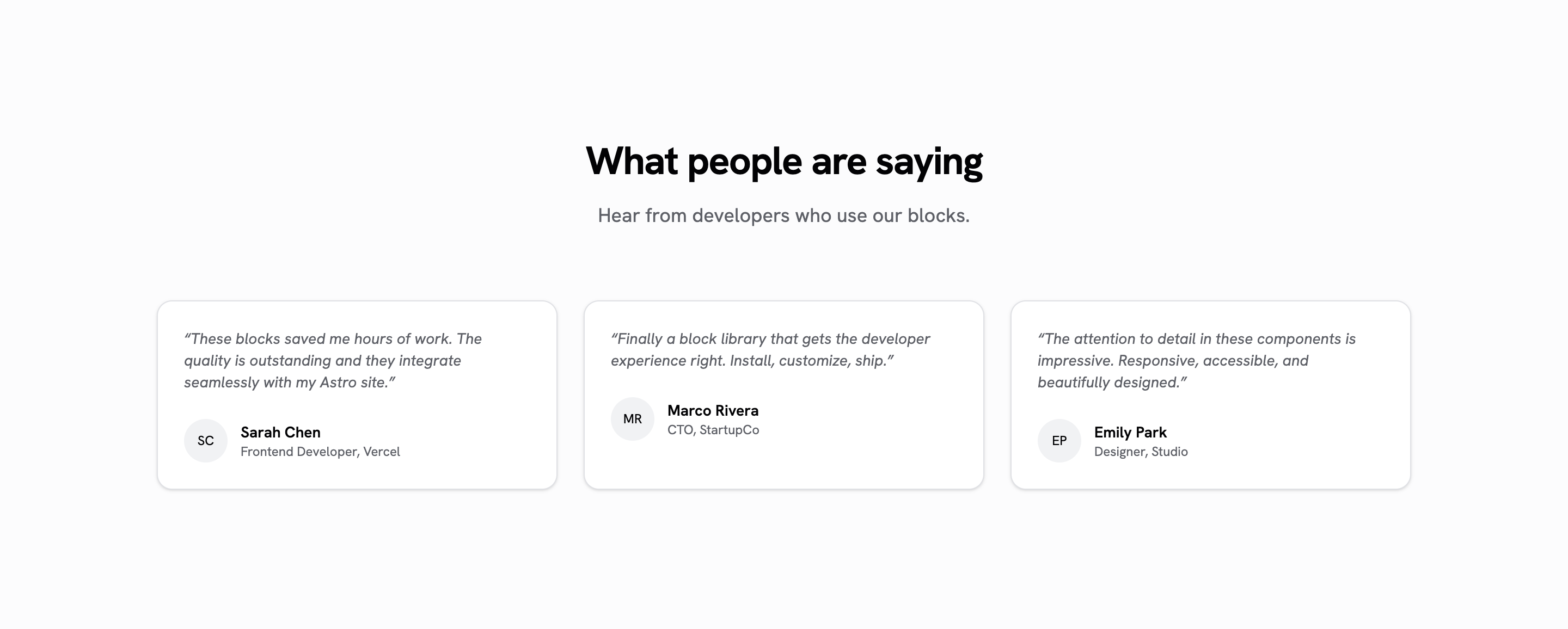
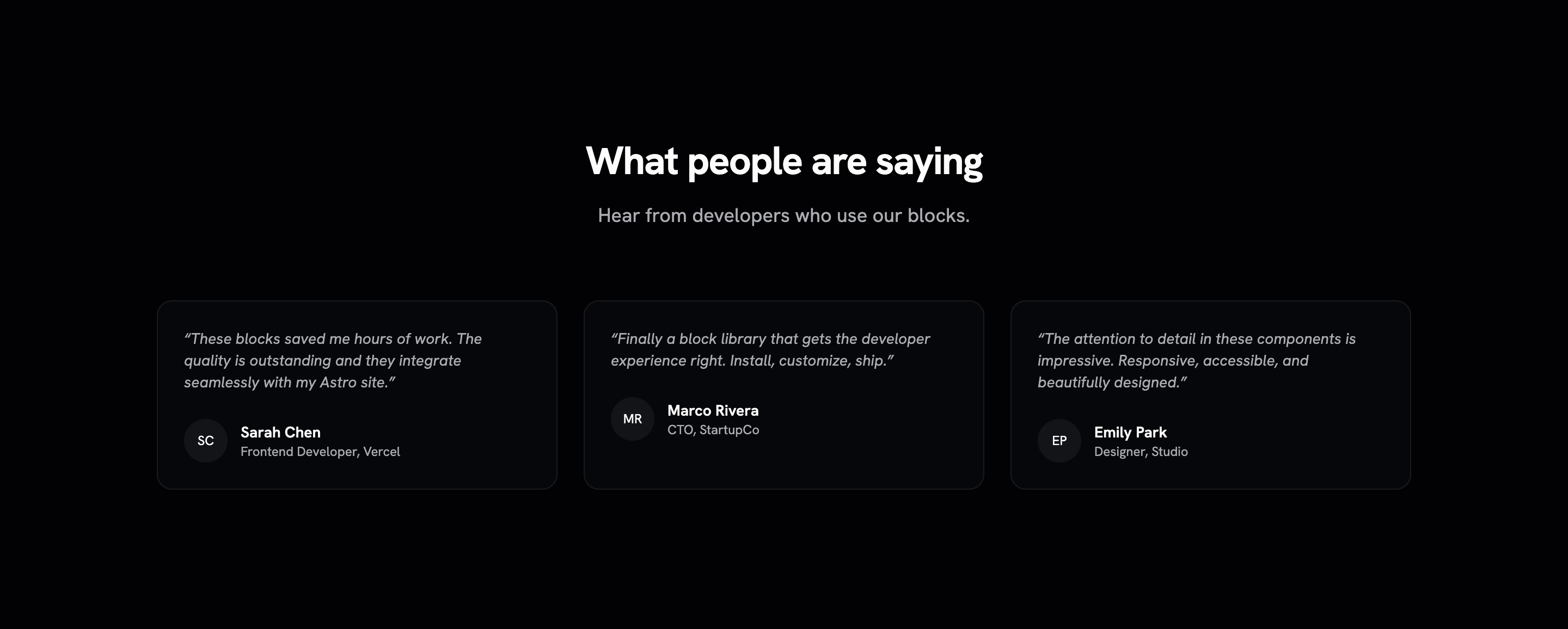
Testimonial grid with avatar, name, role, and quote cards. Zero-JS Astro component.
Testimonials
Installation
npx shadcn@latest add @saastro/testimonials-01Preview
Source Code
---
/**
* testimonials-01 — Grid de testimonios con avatar, nombre, rol y cita.
* Bloque Astro puro: cero JS, cero dependencias. El avatar sin imagen cae a
* iniciales calculadas en el frontmatter.
*/
interface Testimonial {
quote: string;
author: string;
role: string;
company?: string;
avatarUrl?: string;
}
interface Props {
title?: string;
description?: string;
testimonials: Testimonial[];
class?: string;
}
const { title, description, testimonials, class: className } = Astro.props;
function getInitials(name: string): string {
return name
.split(' ')
.map((n) => n[0])
.join('')
.toUpperCase()
.slice(0, 2);
}
---
<section class:list={['w-full px-6 py-24 md:py-32', className]}>
<div class="mx-auto max-w-6xl">
{(title || description) && (
<div class="mx-auto mb-16 max-w-2xl text-center">
{title && <h2 class="text-3xl font-bold tracking-tight sm:text-4xl">{title}</h2>}
{description && <p class="mt-4 text-lg text-muted-foreground">{description}</p>}
</div>
)}
<div class="grid gap-6 sm:grid-cols-2 lg:grid-cols-3">
{testimonials.map((testimonial) => (
<div class="flex flex-col justify-between rounded-xl border bg-card py-6 text-card-foreground shadow-sm">
<div class="px-6">
<p class="text-sm text-muted-foreground italic">“{testimonial.quote}”</p>
<div class="mt-6 flex items-center gap-3">
<span class="relative flex h-10 w-10 shrink-0 overflow-hidden rounded-full">
{testimonial.avatarUrl ? (
<img
src={testimonial.avatarUrl}
alt={testimonial.author}
class="aspect-square h-full w-full object-cover"
/>
) : (
<span class="flex h-full w-full items-center justify-center rounded-full bg-muted text-xs">
{getInitials(testimonial.author)}
</span>
)}
</span>
<div>
<p class="text-sm font-semibold">{testimonial.author}</p>
<p class="text-xs text-muted-foreground">
{testimonial.role}{testimonial.company && `, ${testimonial.company}`}
</p>
</div>
</div>
</div>
</div>
))}
</div>
</div>
</section>Registry Setup
Add the Saastro registry to your components.json:
{
  "registries": {
    "@saastro": "https://ui.saastro.io/r/{name}.json"
  }
}