Features — Icon Grid
3-column feature grid with icons, titles, and descriptions in cards. Zero-JS Astro component.
Features
Installation
npx shadcn@latest add @saastro/features-01Preview
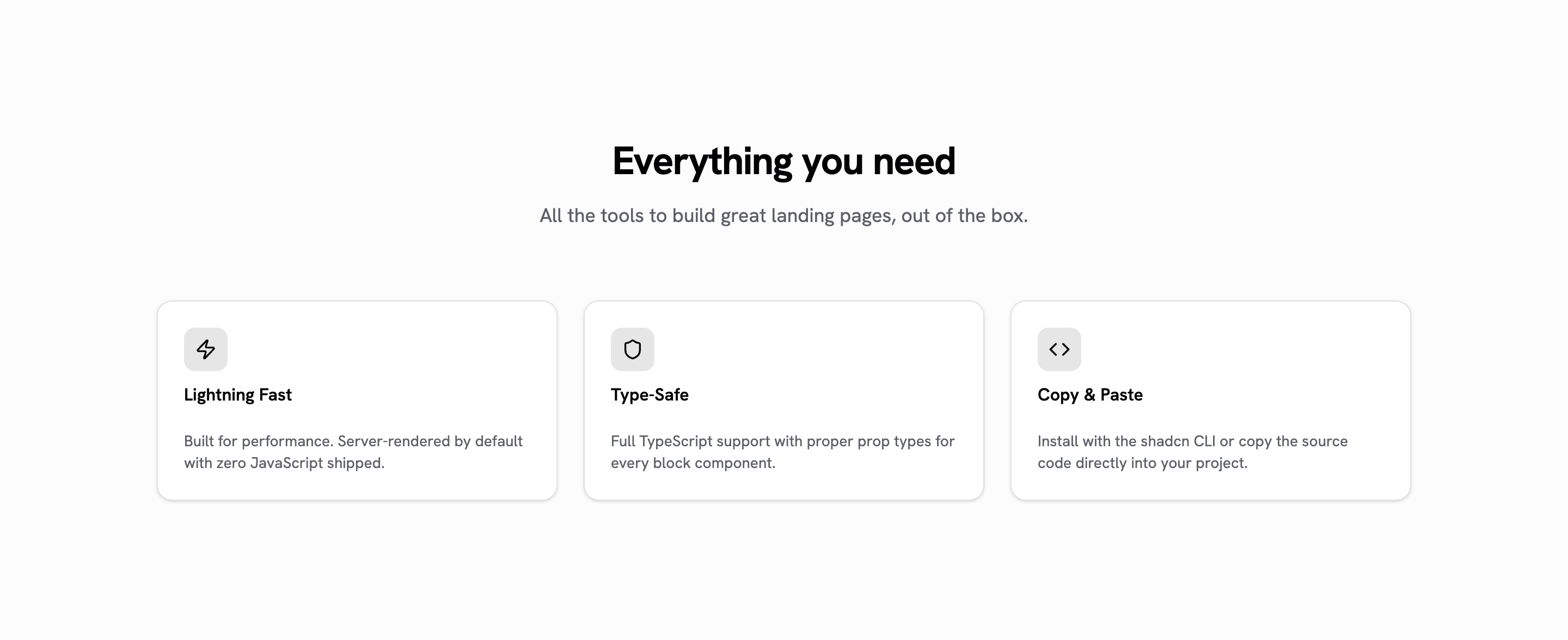
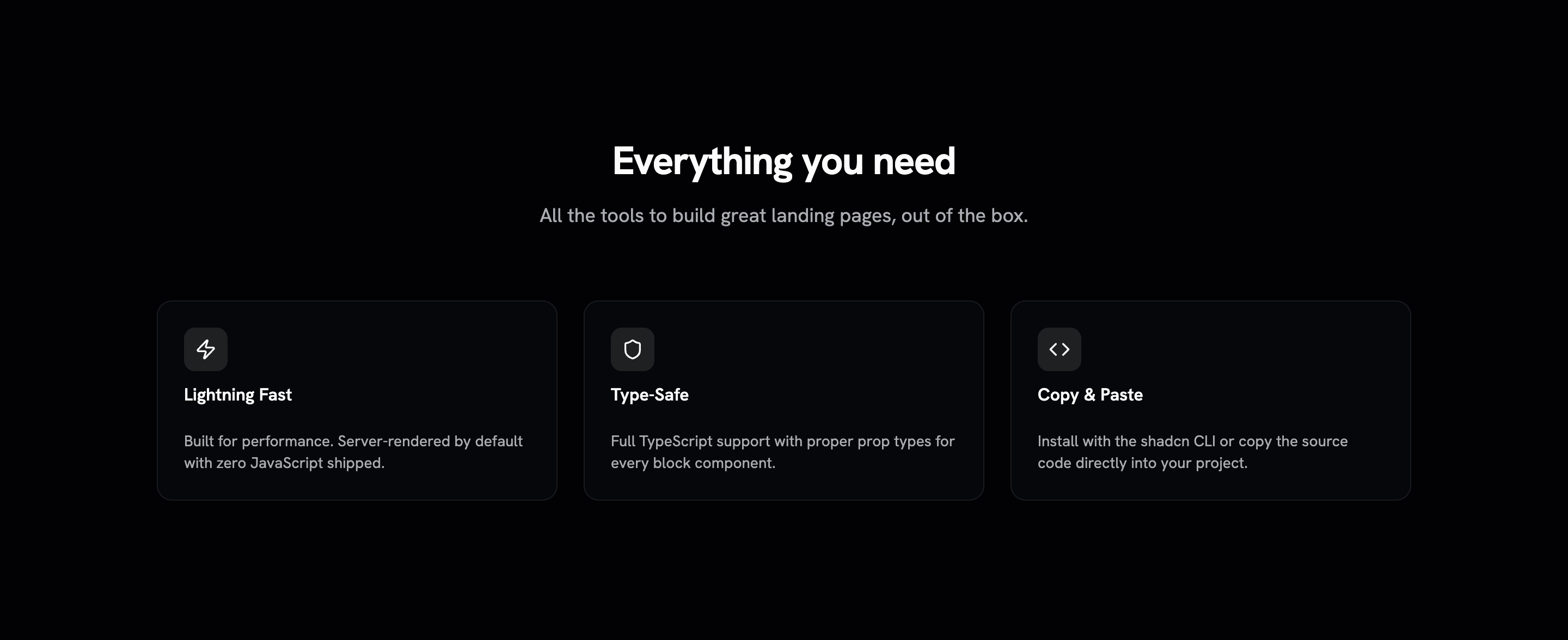
Source Code
---
/**
 * features-01 — Grid de 3 columnas con icono, título y descripción en cards.
 * Bloque Astro puro: cero JS, cero dependencias.
 *
 * `icon` es OPCIONAL — sin él la tarjeta es solo título y descripción, que es
 * lo que necesita una rejilla de valores o de principios. Cuando se pasa, es una
 * CLAVE del set interno ('zap' | 'shield' | 'code' | 'sparkles' |
 * 'globe' | 'lock'), no un nodo: mantiene las props serializables (la regla del
 * ecosistema: los datos cruzan la frontera de island/adapter, los nodos no).
 */
type IconName = 'zap' | 'shield' | 'code' | 'sparkles' | 'globe' | 'lock';

interface Feature {
  /** Opcional: sin icono, la tarjeta se queda con título y descripción. */
  icon?: IconName;
  title: string;
  description: string;
}
interface Props {
  title?: string;
  description?: string;
  features: Feature[];
  class?: string;
}
const { title, description, features, class: className } = Astro.props;

// SVGs inline (lucide, stroke) — sin dependencia de librería de iconos.
const ICONS: Record<IconName, string> = {
  zap: '<path d="M4 14a1 1 0 0 1-.78-1.63l9.9-10.2a.5.5 0 0 1 .86.46l-1.92 6.02A1 1 0 0 0 13 10h7a1 1 0 0 1 .78 1.63l-9.9 10.2a.5.5 0 0 1-.86-.46l1.92-6.02A1 1 0 0 0 11 14z"/>',
  shield:
    '<path d="M20 13c0 5-3.5 7.5-7.66 8.95a1 1 0 0 1-.67-.01C7.5 20.5 4 18 4 13V6a1 1 0 0 1 1-1c2 0 4.5-1.2 6.24-2.72a1.17 1.17 0 0 1 1.52 0C14.51 3.81 17 5 19 5a1 1 0 0 1 1 1z"/>',
  code: '<polyline points="16 18 22 12 16 6"/><polyline points="8 6 2 12 8 18"/>',
  sparkles:
    '<path d="M9.937 15.5A2 2 0 0 0 8.5 14.063l-6.135-1.582a.5.5 0 0 1 0-.962L8.5 9.936A2 2 0 0 0 9.937 8.5l1.582-6.135a.5.5 0 0 1 .963 0L14.063 8.5A2 2 0 0 0 15.5 9.937l6.135 1.581a.5.5 0 0 1 0 .964L15.5 14.063a2 2 0 0 0-1.437 1.437l-1.582 6.135a.5.5 0 0 1-.963 0z"/>',
  globe:
    '<circle cx="12" cy="12" r="10"/><path d="M12 2a14.5 14.5 0 0 0 0 20 14.5 14.5 0 0 0 0-20"/><path d="M2 12h20"/>',
  lock: '<rect width="18" height="11" x="3" y="11" rx="2" ry="2"/><path d="M7 11V7a5 5 0 0 1 10 0v4"/>',
};
---

<section class:list={['w-full px-6 py-24 md:py-32', className]}>
  <div class="mx-auto max-w-6xl">
    {(title || description) && (
      <div class="mx-auto mb-16 max-w-2xl text-center">
        {title && <h2 class="text-3xl font-bold tracking-tight sm:text-4xl">{title}</h2>}
        {description && <p class="mt-4 text-lg text-muted-foreground">{description}</p>}
      </div>
    )}
    <div class="grid gap-6 sm:grid-cols-2 lg:grid-cols-3">
      {features.map((feature) => (
        <div class="flex flex-col gap-6 rounded-xl border bg-card py-6 text-card-foreground shadow-sm">
          <div class="flex flex-col gap-1.5 px-6">
            {feature.icon && (
              <div class="mb-2 flex h-10 w-10 items-center justify-center rounded-lg bg-primary/10 text-primary">
                <svg
                  xmlns="http://www.w3.org/2000/svg"
                  width="20"
                  height="20"
                  viewBox="0 0 24 24"
                  fill="none"
                  stroke="currentColor"
                  stroke-width="2"
                  stroke-linecap="round"
                  stroke-linejoin="round"
                  set:html={ICONS[feature.icon]}
                />
              </div>
            )}
            <h3 class="leading-none font-semibold">{feature.title}</h3>
          </div>
          <div class="px-6">
            <p class="text-sm text-muted-foreground">{feature.description}</p>
          </div>
        </div>
      ))}
    </div>
  </div>
</section>
Registry Setup
Add the Saastro registry to your components.json:
{
  "registries": {
    "@saastro": "https://ui.saastro.io/r/{name}.json"
  }
}