Hero — Gradient
Hero with gradient background, floating badge, and a single prominent CTA. Zero-JS Astro component.
Hero
Installation
npx shadcn@latest add @saastro/hero-03Preview
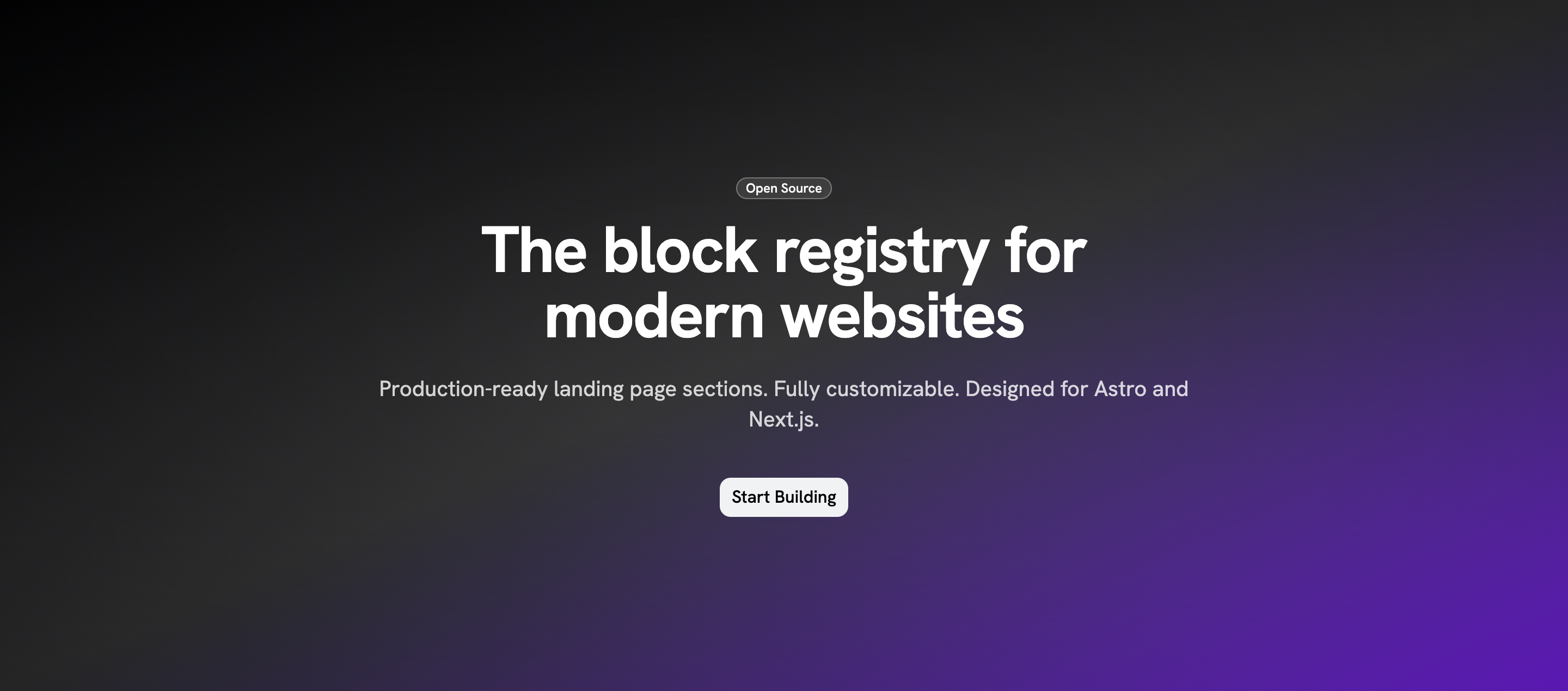
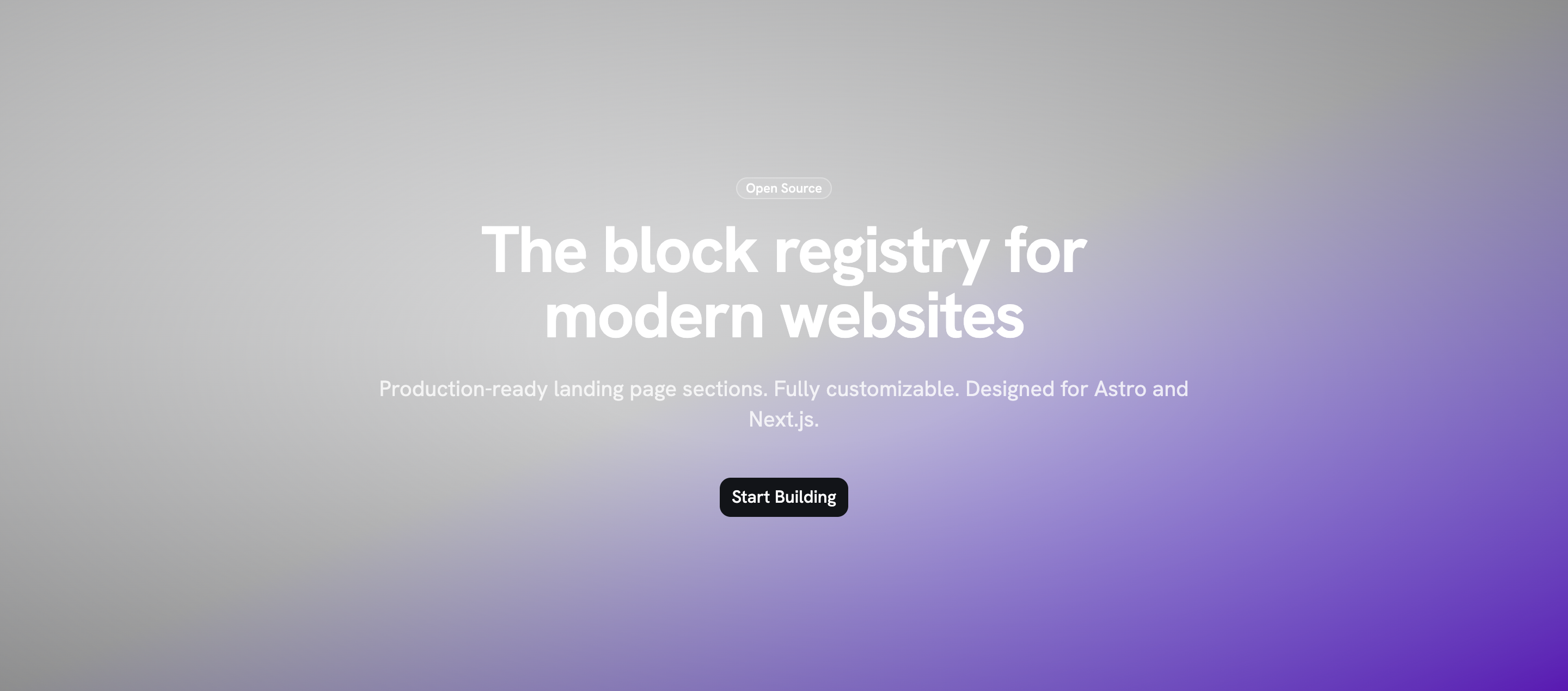
Source Code
---
/**
 * hero-03 — Hero con fondo degradado, badge flotante y un único CTA
 * prominente. Bloque Astro puro: cero JS, cero dependencias.
 */
interface Props {
  badge?: string;
  title: string;
  description: string;
  cta: { label: string; href: string };
  class?: string;
}
const { badge, title, description, cta, class: className } = Astro.props;

const btn =
  'inline-flex h-9 shrink-0 items-center justify-center gap-1.5 rounded-lg border border-transparent px-2.5 text-base font-medium whitespace-nowrap transition-all outline-none select-none focus-visible:border-ring focus-visible:ring-3 focus-visible:ring-ring/50 active:translate-y-px';
const btnSecondary = 'bg-secondary text-secondary-foreground hover:bg-secondary/80';
const badgeOutline =
  'mb-4 inline-flex h-5 w-fit shrink-0 items-center justify-center gap-1 overflow-hidden rounded-4xl border border-white/30 bg-white/10 px-2 py-0.5 text-xs font-medium whitespace-nowrap text-white';
---

<section class:list={['relative w-full overflow-hidden px-6 py-24 md:py-32 lg:py-40', className]}>
  <div class="absolute inset-0 bg-gradient-to-br from-primary via-primary/80 to-violet-600"></div>
  <div class="absolute inset-0 bg-[radial-gradient(ellipse_at_center,transparent_20%,rgba(0,0,0,0.3))]"></div>
  <div class="relative mx-auto max-w-3xl text-center">
    {badge && <span class={badgeOutline}>{badge}</span>}
    <h1 class="text-4xl font-bold tracking-tight text-white sm:text-5xl lg:text-6xl">{title}</h1>
    <p class="mt-6 text-lg text-white/80 sm:text-xl">{description}</p>
    <div class="mt-10">
      <a href={cta.href} class:list={[btn, btnSecondary]}>{cta.label}</a>
    </div>
  </div>
</section>
Registry Setup
Add the Saastro registry to your components.json:
{
  "registries": {
    "@saastro": "https://ui.saastro.io/r/{name}.json"
  }
}